01
Local processing
Work offline with confidence
OCR,Office conversion,and Bates numbering run on-device. An internet connection is only needed to activate or validate your license.
PDF Champ 7
The secure,on-device desktop app for merging,converting,OCR,and Bates numbering. Your files never leave your computer.
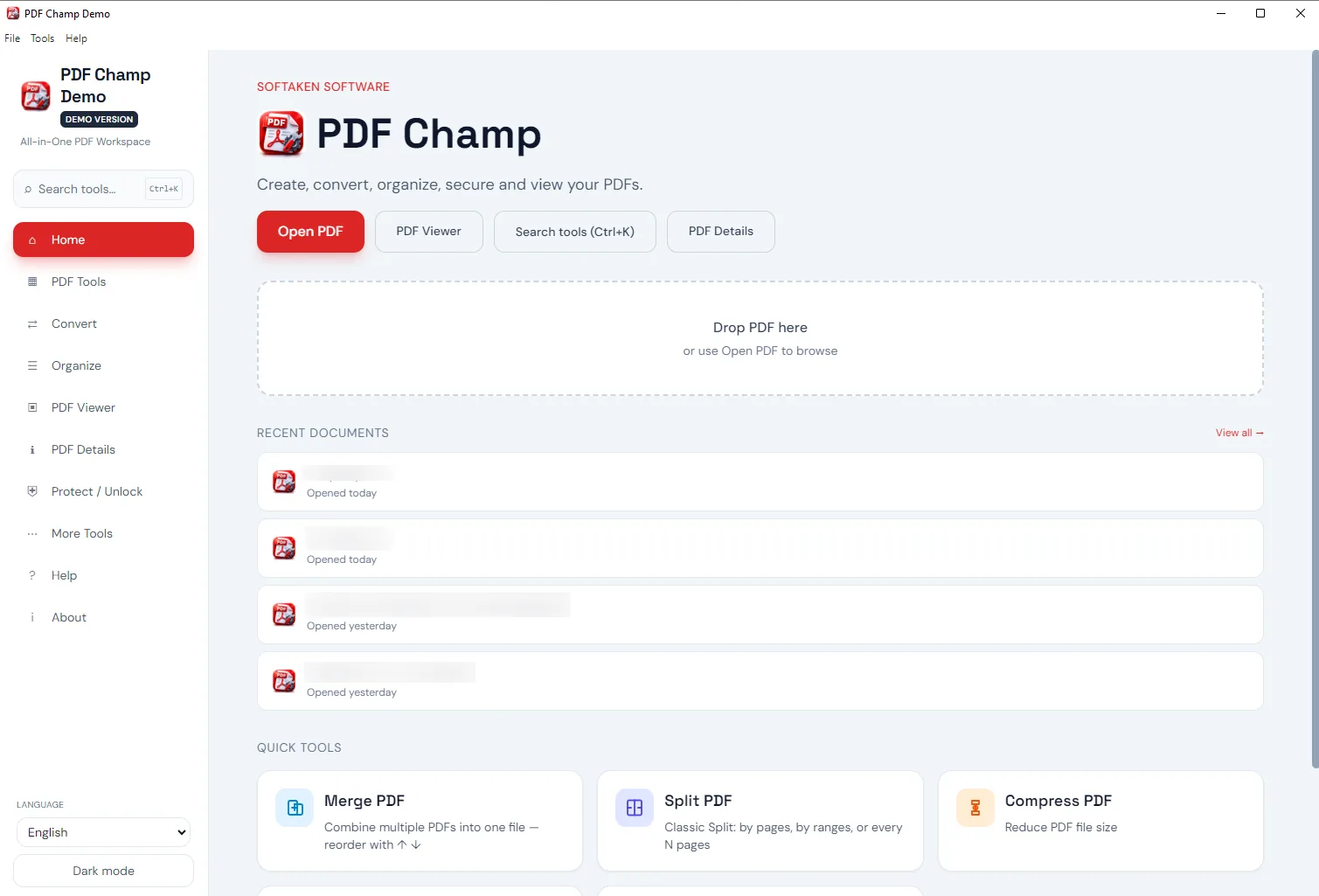
Why Softaken PDF Champ
For people working with contracts,tax files,and client files—with those files processed on site.
Local processing
OCR,Office conversion,and Bates numbering run on-device. An internet connection is only needed to activate or validate your license.
Source files protected
Each tool creates a new output file—such as _protectedor _edited—so your source document is not overwritten.
Clear licensing
Choose a Full plan for unlimited pages and no watermark—without a monthly fee for everyday PDF work.
Features
Check out the tools that come with version 7. Pick a category to sample it in the app.
VIEWER
Review pages,add notes,search text,and print—then jump to crop,protect,or convert without switching apps.
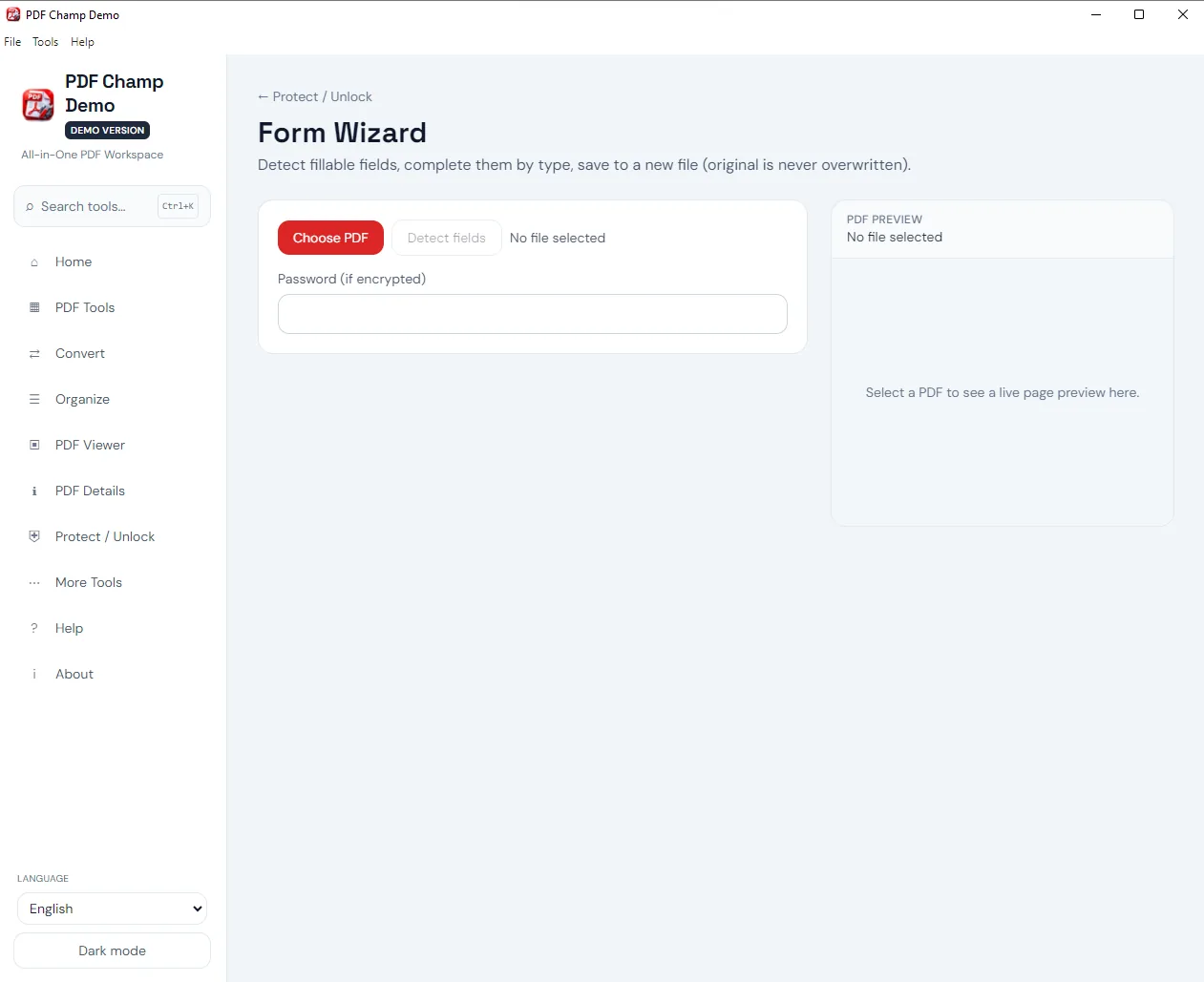
TOOLS
Merge files,shrink files,extract content,and make scans searchable—all in one workplace.
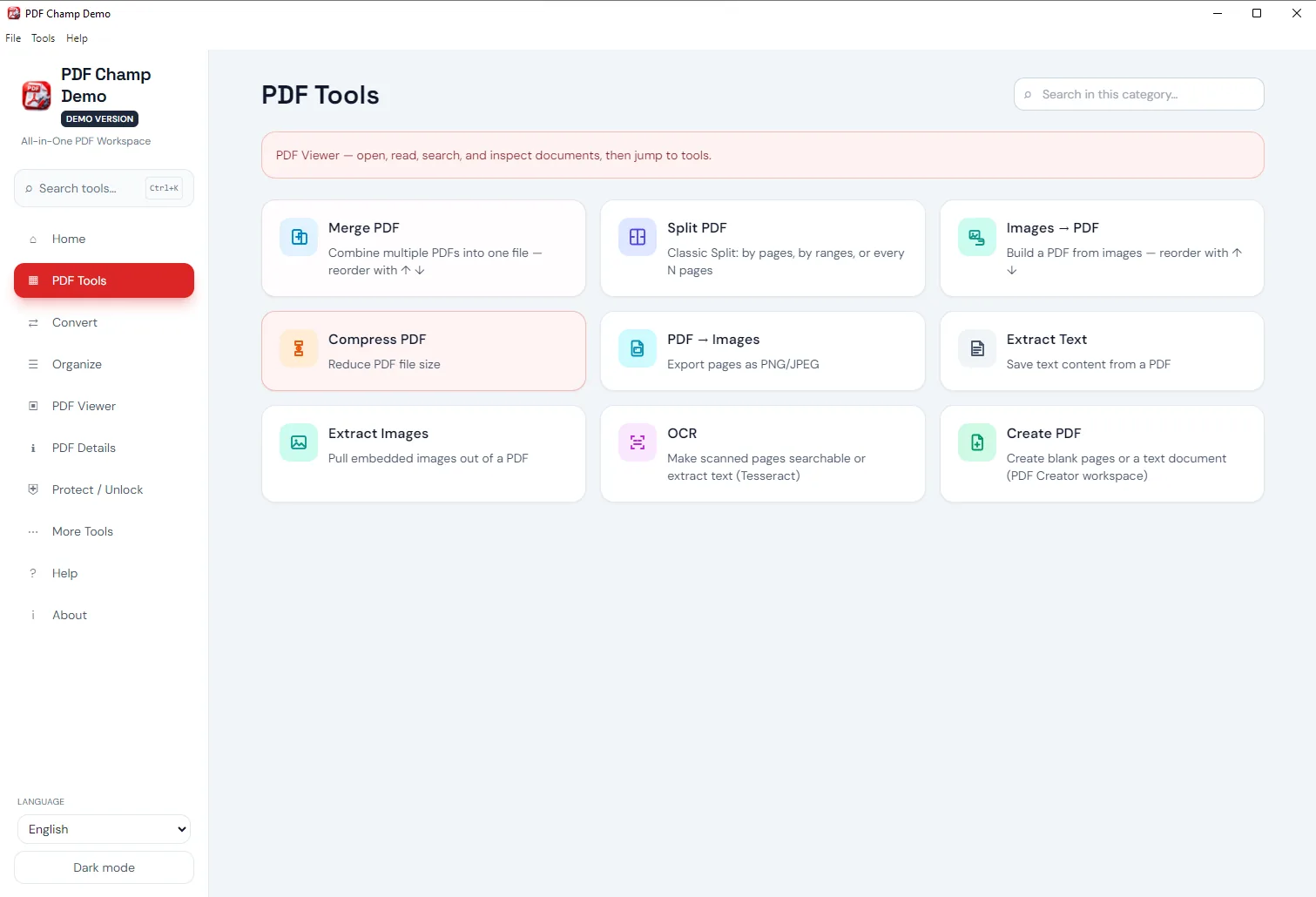
CONVERT
Convert Word,Excel,PowerPoint,HTML,and text into PDF,or bring a PDF back into editable formats for editing.
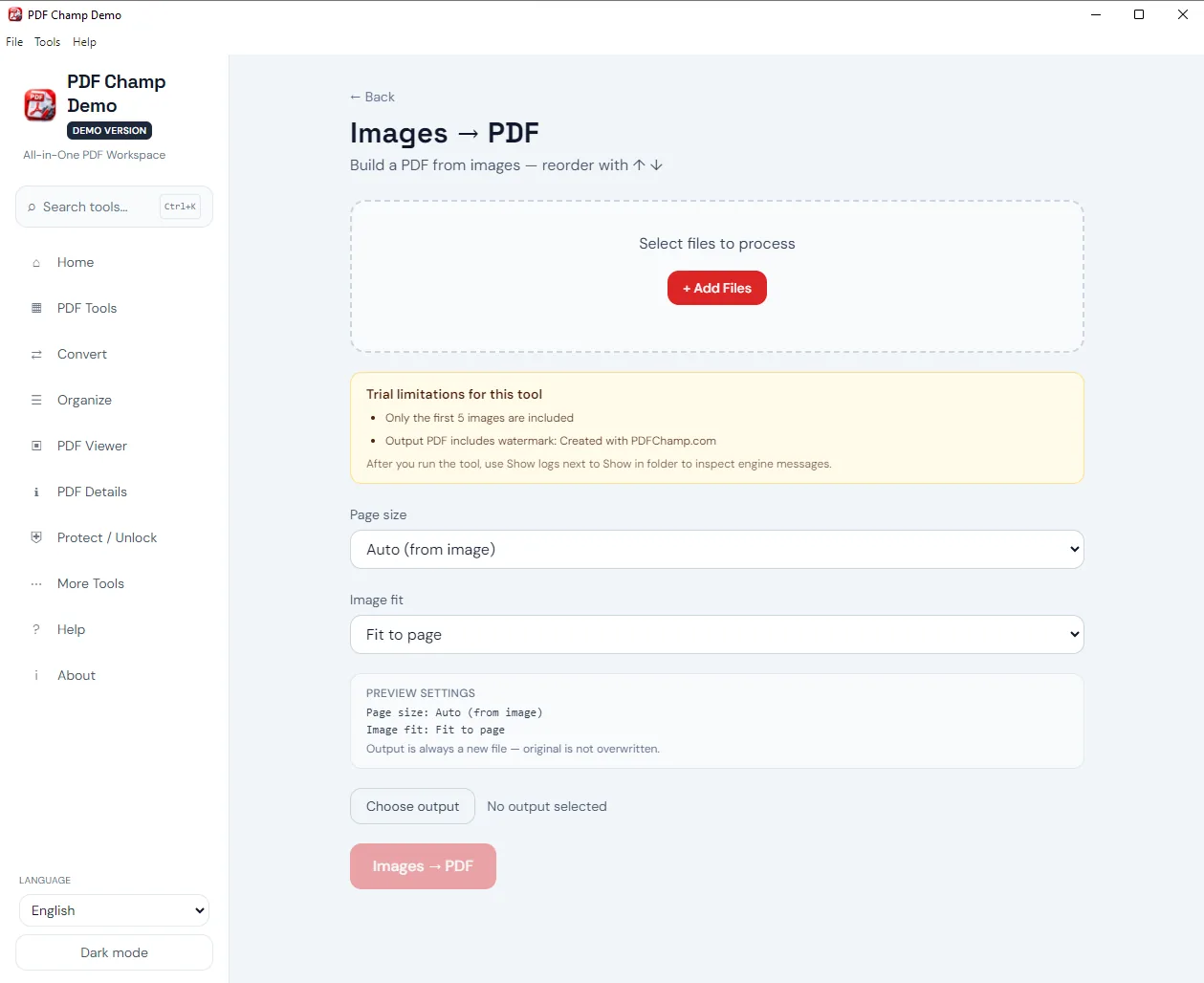
ORGANIZE
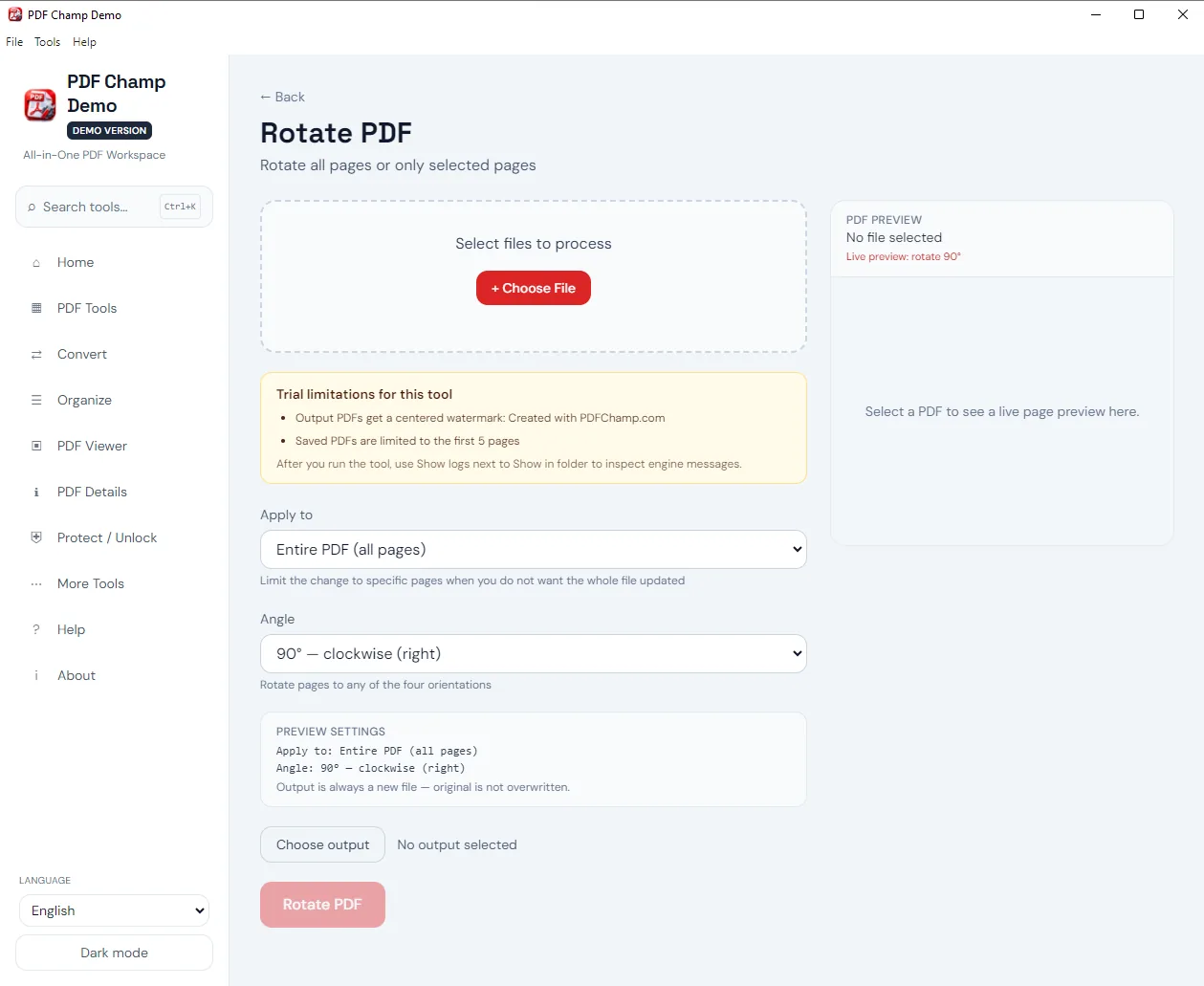
Extract,remove,rotate,crop,or resize pages without rebuilding the whole document.
DETAILS
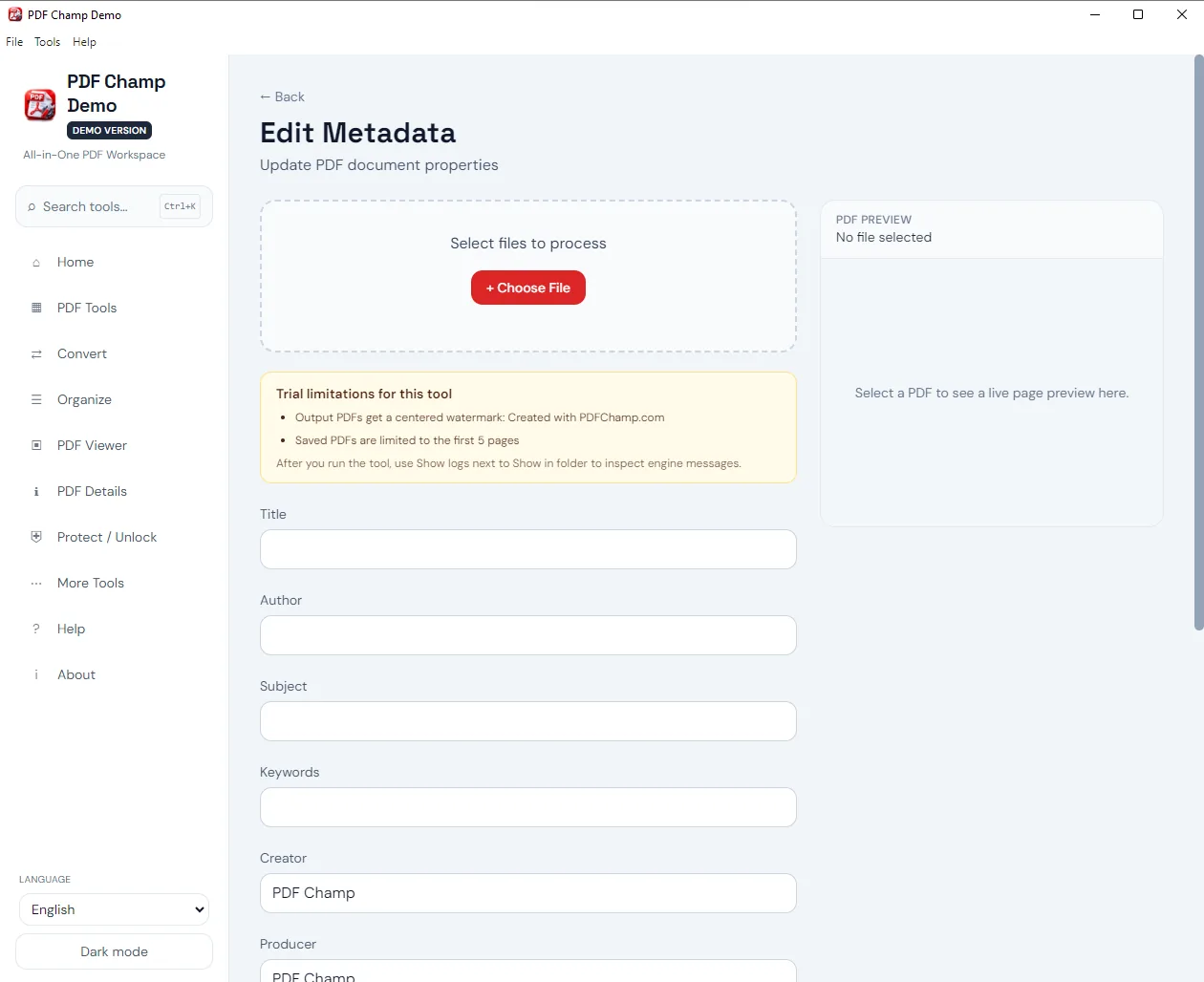
Review security,fonts,attachments,links,and forms—and export a report when you need a clear record.
PROTECT
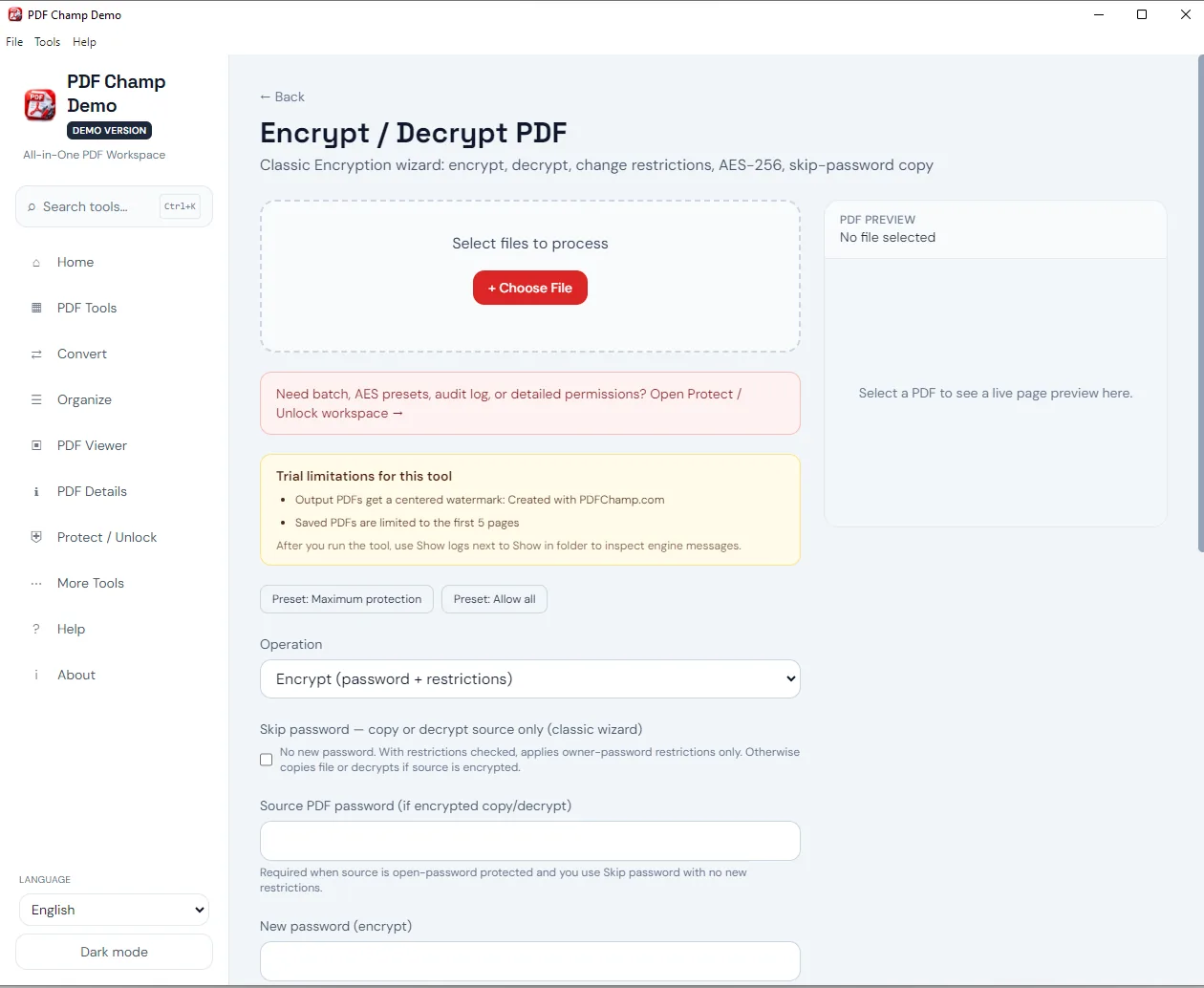
Add open passwords,set print and copy permissions,or unlock a file you own. Your original stays intact.
MORE
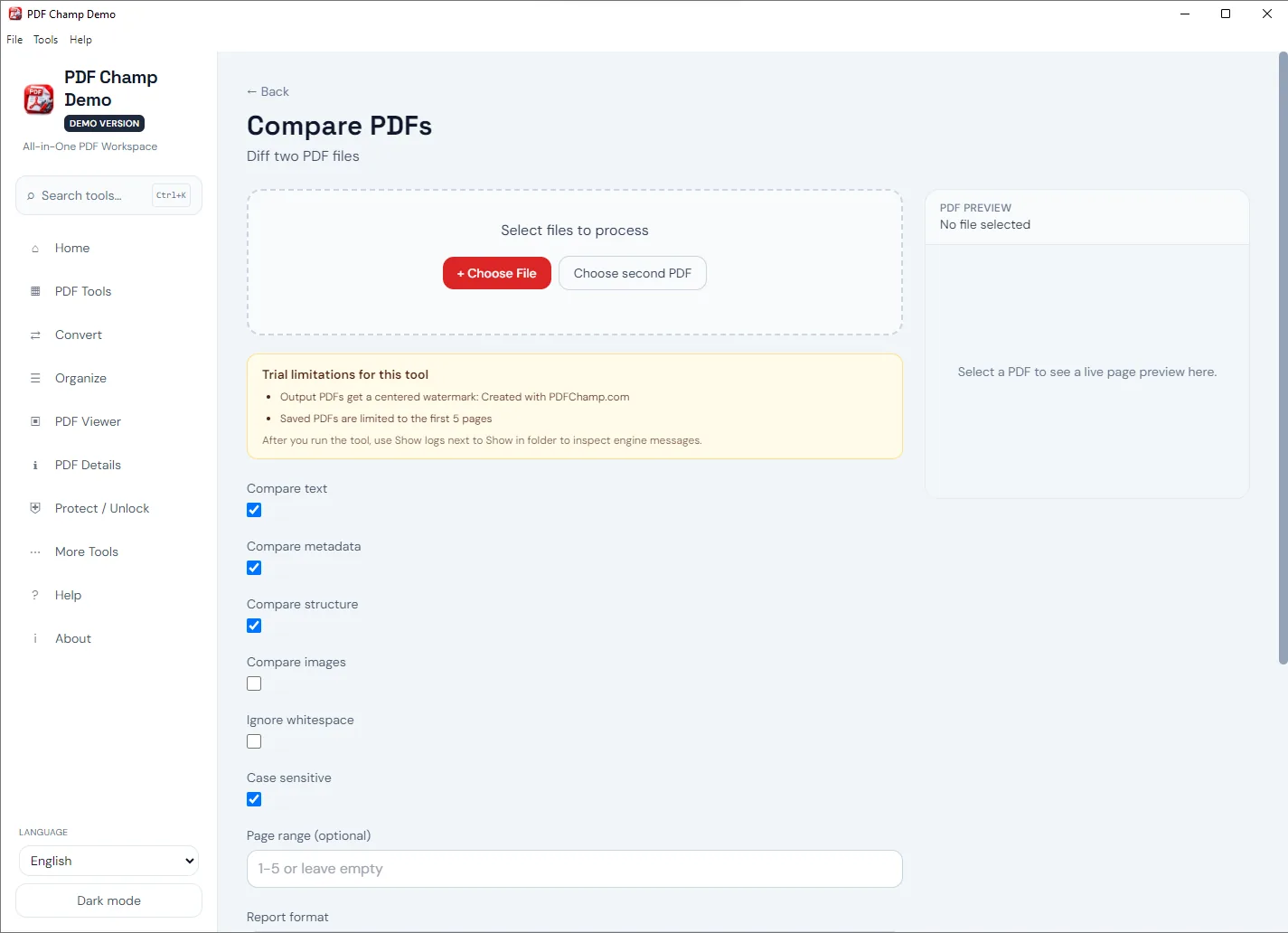
Apply Bates numbers,compare versions,repair damaged files,and manage headers,page numbers,and metadata.
Who it’s for
From legal productions and tax packs to HR files,teams can get PDF work done without sending documents to a remote converter.
Bates number multi-file sets,compare versions,redact sensitive details before filing,and more.
Process locally to make scans searchable with OCR. Merge client packs and compress files for email.
Protect drafts with AES-256,set print and copy permissions,and add watermarks before sharing.
Stamp,fill out forms,and secure onboarding packs before they leave your desk.
System details
The main desktop platforms are Windows 10 and 11. Builds are also available for Mac and Linux. On this site you will find free demos for Windows and Mac.
English,German,French,Spanish,Japanese,Chinese,Arabic,and more,plus OCR language packs like Hindi.
Process PDF,Office,images,HTML,and text files. Export to PDF,DOCX,XLSX,HTML,images,text,and compare reports.
When installed,a local office engine can be used for conversion. OCR uses Tesseract or Windows OCR if available. Merge,split,and protect work without those extras.
Compare
Use free browser tools for a quick edit,or the installed app when you need more power and control.
Free
Great for quick,one-time edits in the browser. Processing is stored in the browser session.
Desktop
Best for daily work:bigger files,batch jobs,Bates numbering,OCR,and on-device tools.
| Feature | Free Online Utilities | Desktop app |
|---|---|---|
| Privacy &Security | In-browser (zero upload) | Processed on-device |
| Batch Processing | One file at a time | Multi-file batch support |
| File / Page Size | Best for lighter files | Built for larger files and long documents |
| Professional tools | Core utilities | Bates,redaction,compare,and more |
| OCR &Conversion | Basic options | Desktop OCR and Office conversion bridge |
| Best for | Quick one-time edits | Daily office,legal,and business work |
Platforms
Download the desktop app,use free online tools in the browser,or install the free Chrome extension for quick handoff to pdfchamp.com.
For Windows 10 &11. Locally merge,convert,protect,OCR,and Bates number.
Download WindowsFor Apple Silicon Mac and Intel Mac. The same tools you use every day to work with PDFs.
Download for MacLinux desktop options offered. See licensing and download information at checkout.
Learn moreFree browser tools for quick,one-off edits. For more capacity,go to the installed app.
Explore online toolsPick a file in Chrome,open Merge,Split,Compress &more — no server upload by the extension.
Add to ChromeFull license
Unlimited pages,remove watermark,and use the app wherever you work. Terms at checkout.
Free online tools
Use these free tools for light,one-time PDF tasks. When you need larger files or advanced tools,switch to the installed app.
Client-side processing:files stay in your browser—nothing is uploaded to our servers for these tools.
Need batch OCR,Bates numbering,or larger files?Download the desktop demofor on-device tools.
See all free online tools →Start with the free demo,then choose a plan when you need unlimited pages and no watermark.
Support
Discover privacy,desktop vs online tools,features,requirements,and licensing.
No. Files are processed on your computer. You just need an internet connection to activate or validate a license.
Online tools run in the browser and suit light,one-time edits. The installed app is superior for large files,batch work,and advanced tools.
No. Each tool writes a new output file—for example `_protected` or `_edited`—so the source stays intact.
Browser tools are best for quick edits to a single file. The installed app is intended for larger files,batch jobs,Bates numbering,redaction,compare,OCR,and repair.
Yes. Because of the limits of browser memory,online tools are better for smaller documents. Use the installed application for large files and bulk folders.
Yes. You can stamp continuously across multiple files with Bates stamps,customize prefixes and suffixes,generate a manifest and remove stamps if necessary.
Yes. On-device OCR enables search of scanned documents. Languages:English,Hindi,German,Spanish,and more.
This product merges,splits,converts,protects,and Bates numbers common PDF tasks. It is not affiliated with Adobe. Licensing and feature sets vary. Adobe and Acrobat are registered trademarks of Adobe Inc.
Office and HTML conversion can use a local conversion engine,such as LibreOffice,when installed. Status is shown in the app.
Visual signatures,image stamps,and AES-256 password security are supported. Cryptographic PKI certificate signatures are not included in version 7.
Windows 10 and 11 are the primary platforms. Mac and Linux builds are also available. Free demos for Windows and Mac are on this site.
The free demo is for evaluation and includes a watermark,a 5-page output limit on most saves,and a 3-file merge limit. A Full license removes the watermark and unlocks unlimited pages.
No. One-time and annual license options are available. See current plans and terms at checkout.